

Release notes DartCounter v8.5.3
Features
Action Replays (Beta Access Only)
We're bringing back Action Replays, giving you a cool new way to capture and share your best in-game moments.
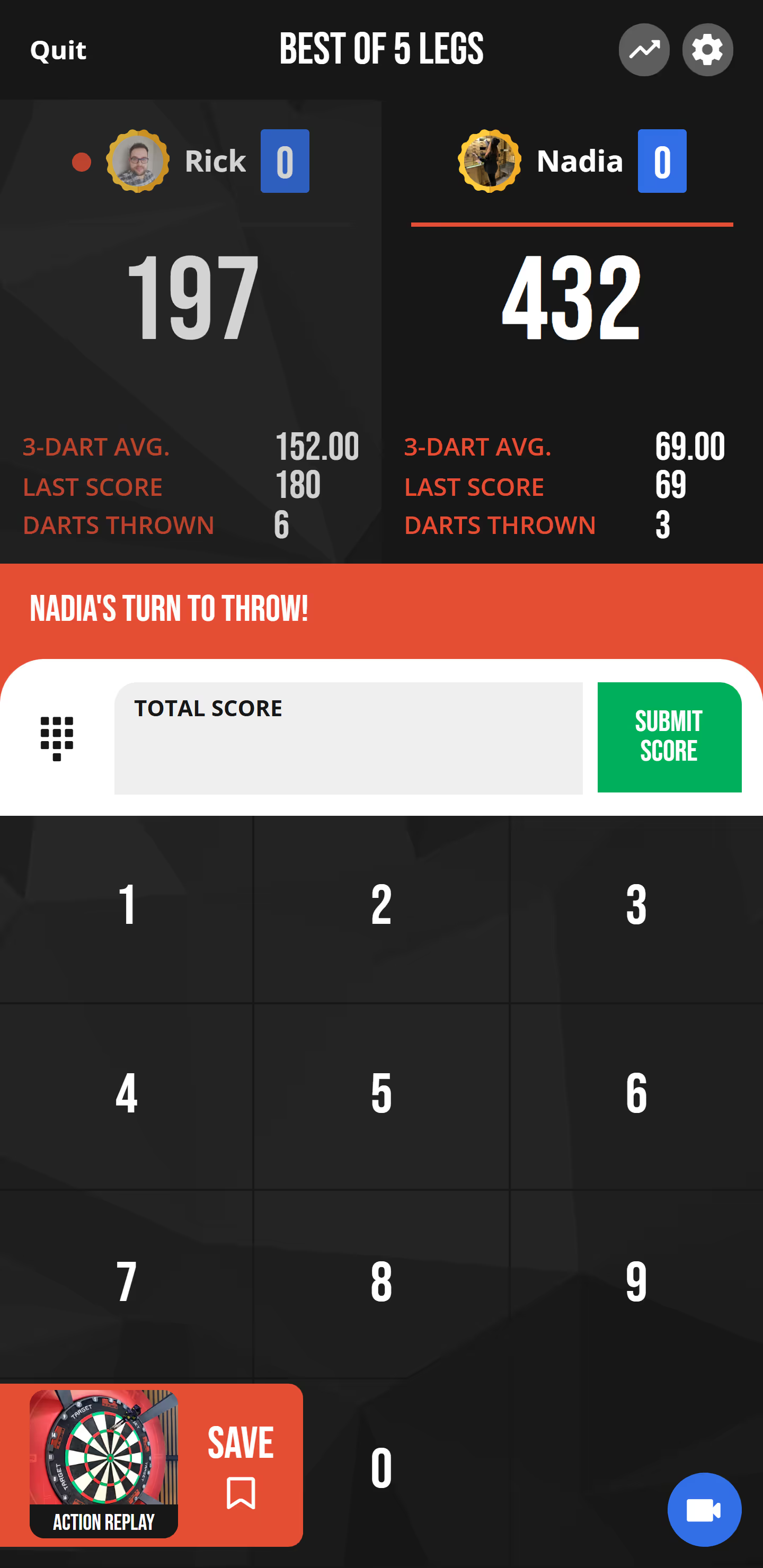
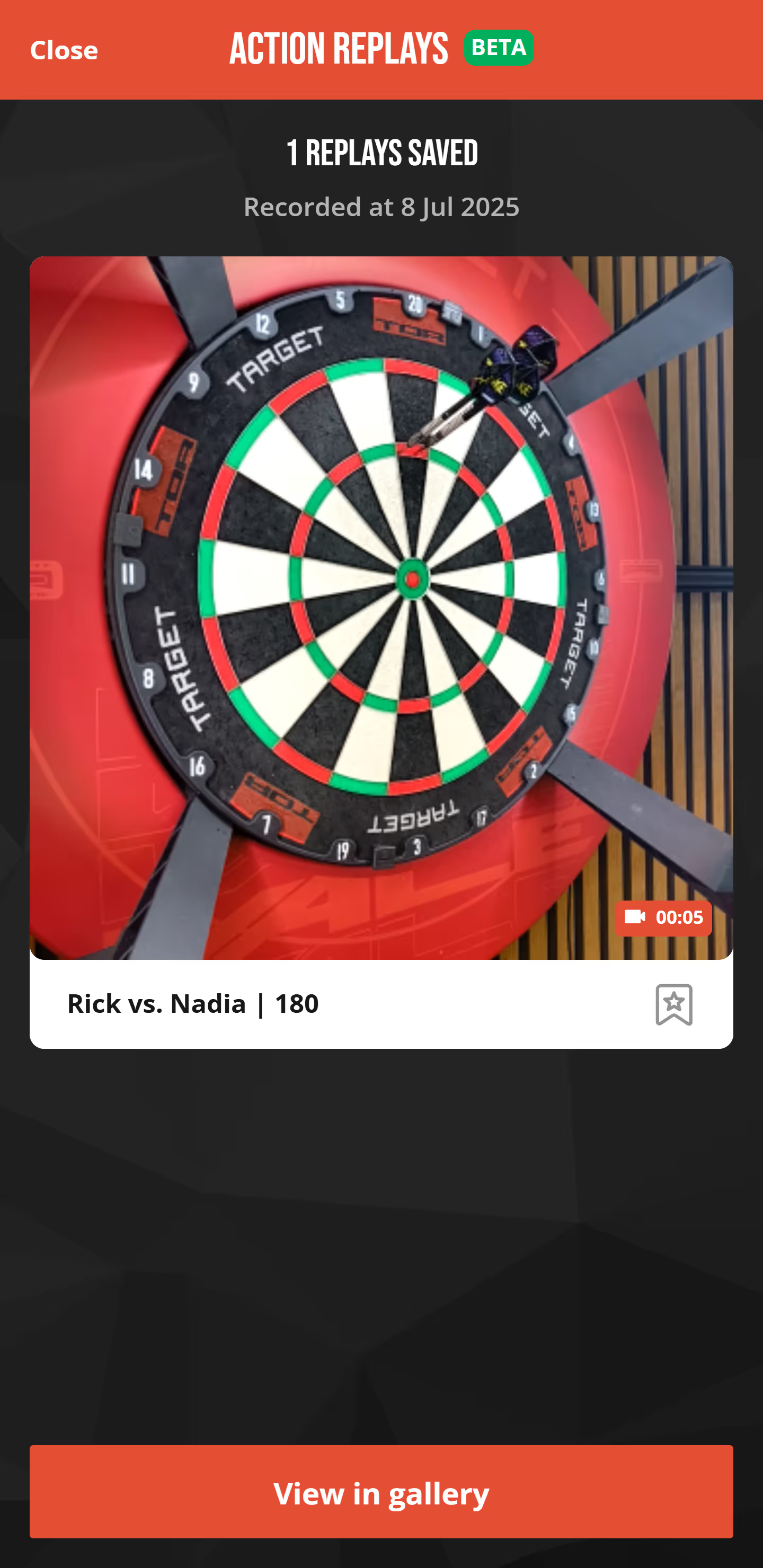
When playing an online or offline X01 game with a camera, you'll now see a blue save button at the bottom left of the screen. Press it to record a clip of your previous turn. During key moments — like scoring over 120 points or completing a checkout — you'll see a special prompt encouraging you to save your Action Replay. At the end of the match, you can view your saved clips, and if you're an Ultimate Member, you'll also be able to mark them as favourites.
All clips are stored in the new Action Replays gallery, available in the main menu. There, you can watch, download, delete, or (for Ultimate Members) favourite your clips. For Ultimate Members, clips are stored for 30 days, with favourited clips saved indefinitely. You can store up to 50 clips, with a maximum of 10 favourites. Basic Members can save up to 10 clips for 7 days. Favouriting is not available for Basic accounts.
🎯 Please note: Action Replays are currently only available to users in the DartCounter beta program.
Relive and share your greatest darts moments — Action Replays are back!
Improvements
Omni disconnection logic improvement
We've made improvements to how the app detects when your Omni is disconnected.
The detection threshold has been increased, meaning the app now waits slightly longer before deciding that the Omni has lost connection. In practice, this should result in fewer unnecessary disconnection messages and better overall stability — especially during moments with brief signal interruptions.
This update should make your experience with the Omni feel smoother and more reliable.