

Online play
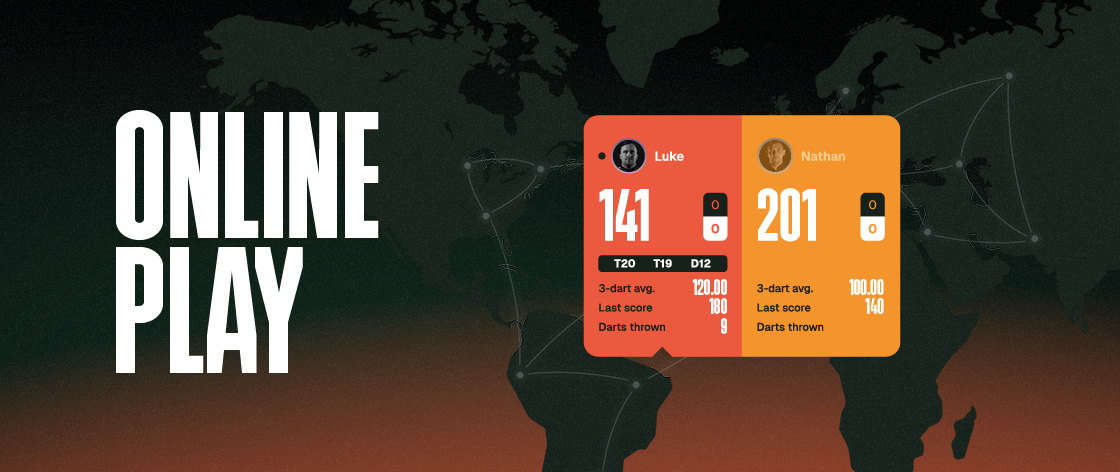
DartCounter lets you play real darts matches online against friends and players from around the world. You throw at your own dartboard, whilst DartCounter keeps track of the score and match progress.
Open Play online to access the Global Lobby, challenge your friends or watch live games. You can join an existing match or create your own game with your preferred format, rules and player requirements.
A camera or Omni device is not required for every online game, but using one is strongly recommended. Showing your dartboard helps create a fairer and more transparant playing experience.
Using the Global Lobby
The global lobby shows games created by other DartCounter players. Each games displays the game type and match format, together with information about the player and any requirements they have set.
Select Join! to view the full game details before requesting to play. This includes the match format, active game rules, timer and recent results. When a player uses a camera, you can also view their camera setup.
After you send a join request, the host must accept you before you before you continue to the game lobby. You can also use the Live Games tab to see online matches that are currently being played.
Create your own online game
You can customise your settings before making it available to other players. Once you are happy with the settings, select Select gameplay.
Saving the setup does not automatically publish the game. Back in the global lobby, enable Add your game to lobby. Your game will then become visible to other players, who can send you a request to join. You can review the player before accepting their request.
Choose your gameplay settings
DartCounter gives you control over the format and rules of your online match.
If you are unfamiliar with terms such as legs, sets, Double Out or Master Out, see the Darts Rules and Darts Glossary manuals for further explanation. Your checkout performance can also be reviewed in your account. You can read more about it in our Statistics manual, for more help with finishing combinations, see the Darts Checkout Guide.
Cricket and Tactics
Online Play also supports Cricket and Tactics. These games use their own gameplay settings. In Cricket, for example, you can choose between Standard and No Score, as well as configure the match format and Two Legs Difference. The rest of the Online Play process works in the same way: save your gameplay setup and add the game to the global lobby when you are ready to play.
Additional online settings
In-game timer
The In-game timer controls how much time a player has for their turn. This time includes both throwing your darts and entering your score into DartCounter. For example, when the timer is set to 60 seconds, both actions must be completed within those 60 seconds.
Send scores immediately
Enable Send scores immediately if you want scores to appear as soon as they are entered. When this setting is disabled, DartCounter adds a short delay before the score is shown to the other player.
Set join requirements
When creating a game, you can choose which requirements another player must meet before they can join.
Camera and Omni are not required for Online Play by default. However, players can make them mandatory for their own games.
Using a camera or Omni is strongly recommended even when it is not required, as it helps both players verify the darts being thrown and creates a fairer online match.
For instructions on connecting or setting up a camera, see our separate DartCounter camera setup manual.
Play online with friends
The Friends lobby lets you challenge players you have already added as friends. Friends are grouped into Online Friends, In-game and Offline, making it easy to see who is currently available to play. You can easily select an available friend to challenge them into an online match.
How many games can you play?
Players without DartCounter Ultimate can up to three online games. This limit applies whether you join somebody's else's game or create your own. With DartCounter Ultimate, you can play online without this three-game limit.