
501 Darts
If you’ve seen a match on TV or in the pub, it was probably 501. It’s the most common darts game. Simple to start, but difficult to master. In 501, each player starts with 501 points. Every score is subtracted from your total score. The goal is to reach exactly zero before your opponent.
The basics of 501 darts
Each player begins with 501 points. A turn consists of three darts. After each turn, the total score from those darts is subtracted from your remaining points.
For example, if you start on 501 and score 60, your remaining score becomes 441.
You keep taking turns until one player reaches exactly zero. In most 501 games, you need to finish on a double. This means your final dart must land in the outer double ring of the dartboard.
If you are setting up a board at home, make sure your dartboard height and distance are correct before you start playing.
How scoring works in 501
The dartboard has 20 numbered sections. Each section has single, double and treble areas. If you are new to darts, our darts glossary explains the most common darts terms.
Singles count once the number on the board. Doubles count twice the number. Trebles count three times the number. The highest possible score in one turn is 180. You score 180 by hitting treble 20 with all three darts.
How to Win a Leg
To win a leg of 501, you need to reach exactly zero before your opponent. In a standard game, your final dart must be a double. This is called double out. For example:
If you have 40 left, you must finish with double 20
If you have 32 left, you must finish with double 16
If you have 50 left, you can finish with the bullseye.
Not sure how to finish from a specific score? Use our darts checkout calculator to find a possible checkout route.
If you score more points than you have left, you bust. Your score goes back to what it was at the start of your turn and the next player gets a turn.
A leg is one complete game from 501 to zero. Matches can be played over multiple legs or sets. Our darts rules guide explains how legs, sets and full matches work. In DartCounter, you can choose the number or legs and sets before you start.
501 game settings
DartCounter lets you adjust your 501 settings before you play. You can choose your starting score, such as 301, 501, 701 or a custom start score. You can also decide how players start and finish the game:
- With straight in, players can start scoring with any dart.
- With double in, players must hit a double before their score starts counting.
- With master in, players must hit a double or treble before their score starts counting.
For finishing, you can choose straight out, double out or master out:
- Straight out means you can finish with any scoring dart.
- Double out means your final dart must be a double.
- Master out means your final dart must be a double or treble
Playing 501 in DartCounter
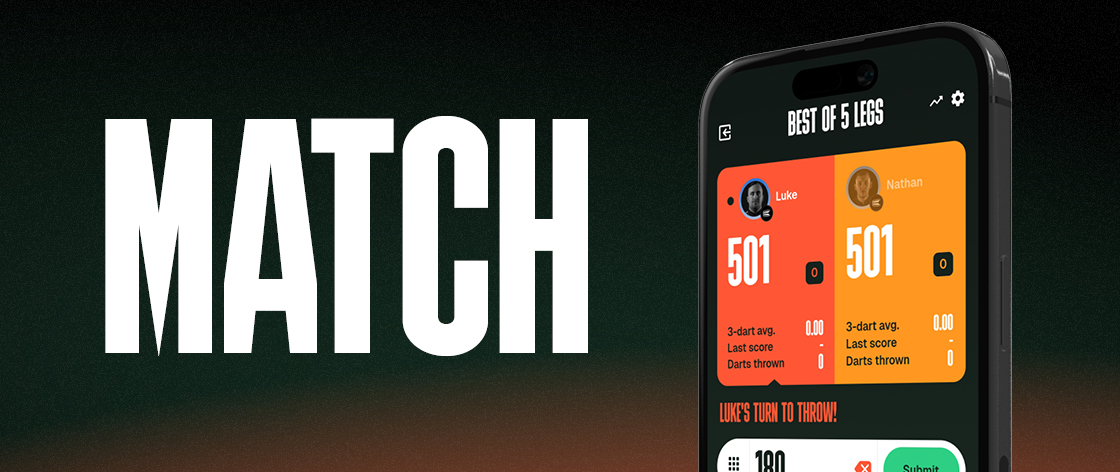
DartCounter makes 501 easy to play without chalk, manual mats or confusion about whose turns it is. You can start a local match with friends, challenge the DartBot, play online against other players or create a tournament.
Local match
A local 501 match is the quickest way to play with people who are in the same room. Add your players, choose your game settings and start throwing. DartCounter keeps track of the score, turns, busts and remaining points, so everyone can focus on the game.
You can play a simple leg of 501, set up a longer match with multiple legs or sets, or practice on your own against the DartBot. After the match, DartCounter saves useful statistics such as your scores, averages and results. This helps you track your progress over time.
Online match
With online play, you can take on players from different locations. Join the global lobby, invite a friend or use filters to find a match that fits your level and preferences. You can play a casual online match or challenge yourself against stronger opponents. The game works the same as a local match: each player throws three darts per turn and tries to reach exactly zero. DartCounter keeps the scoring clear for both players and can help with busts, remaining scores and checkout suggetions.
Local and online tournaments
You can also use 501 for tournaments in DartCounter. Local tournaments are useful when multiple players are playing in the same room. This works well for a darts night at home, a pub tournament, a club event or a friendly competition with a group of players.
Online tournaments are designed for players joining from different locations. This makes it easier to organize a competition with friends, teams or other DartCounter players without everyone being in the same place. DartCounter helps structure the tournament, so you do not have to manage every match, score and result manually. Players can focus on their game while DartCounter keeps the tournament clear and organized.
Why play 501 with DartCounter?
DartCounter keeps 501 matches clear, fast and easy to follow. The app calculates scores, checks for busts, updates the remaining total and can suggest checkout routes when you are on a finish.
You can play a local match with friends, challenge the DartBot, join an online match or use 501 in a tournament. Whether you are practising alone or playing competitively, DartCounter manages the scoring so you can stay focused on the game.
Want to understand finishing routes better? Read our darts checkout guide or use the darts checkout calculator to find a possible route.
Get more from 501 with Ultimate
Ultimate
501 is free to play in DartCounter. Ultimate gives you more ways to play, practice and review your perfomance. You can play unlimited matches online, access more detailed statistics, create a customised DartBot and save more Action Replays.
Omni scoring
Omni scoring is an automatic scoring system by Target darts that connect with DartCounter. It detects where your darts land and send the score directly to the app. During a 501 match, DartCounter automatically updates the remaining total, checks for busts and keeps track of the game. This means you can focus on throwing without entering every score manually.
Virt
The Virt camera can be used with DartCounter as an external camera during online 501 matches. It gives your opponent a clear view of your dashboard while your main device remains available for scoring and match information. Using a seperate camera can make online matches easier to follow and helps create a more transparant playing experience for both players.
Get more out of every 501 match
With Ultimate, you get more online play, deeper statistics, a customised DartBot and extra Action Replays to review your game.
Explore Ultimate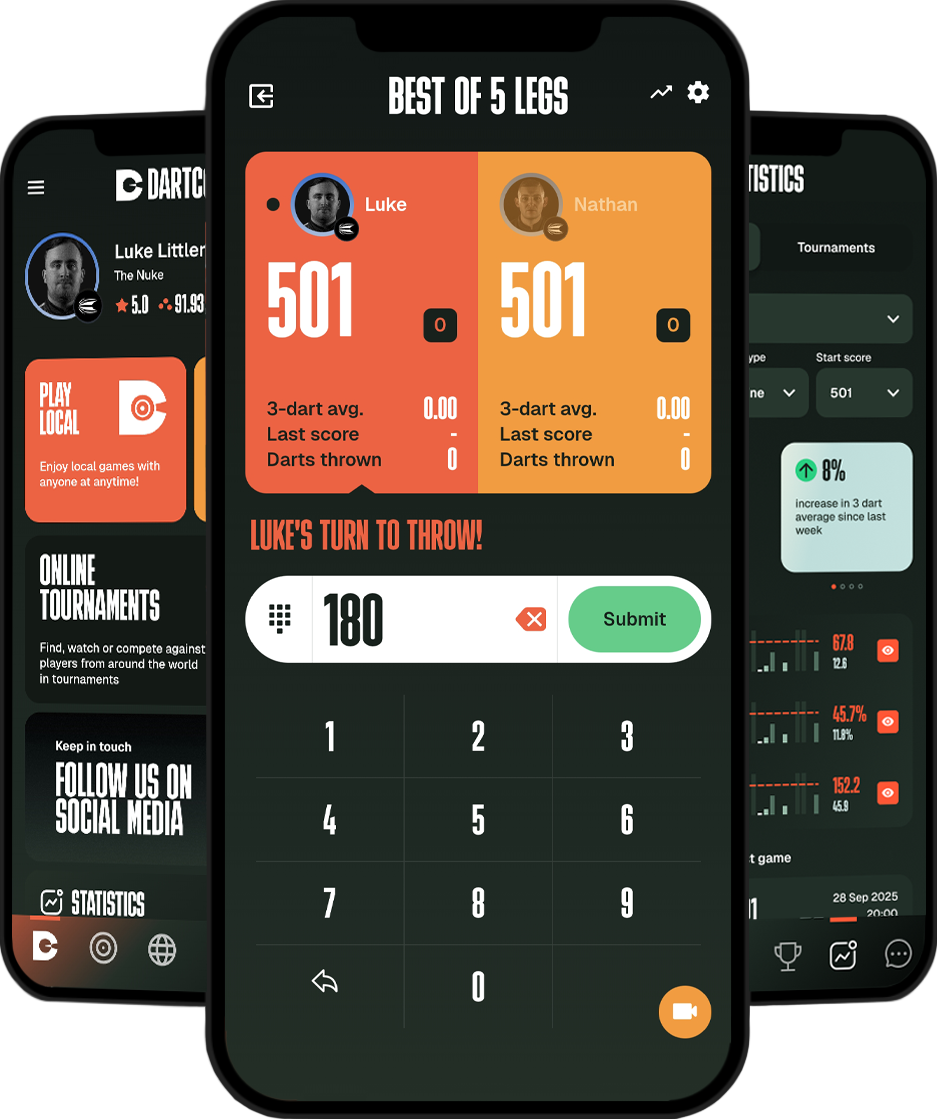
Explore more darts games